Screenshots

Real captures from the game, not mock-ups. Click one to see it full size.

First look

4 shots

The default layout, the setup wizard and the options window.
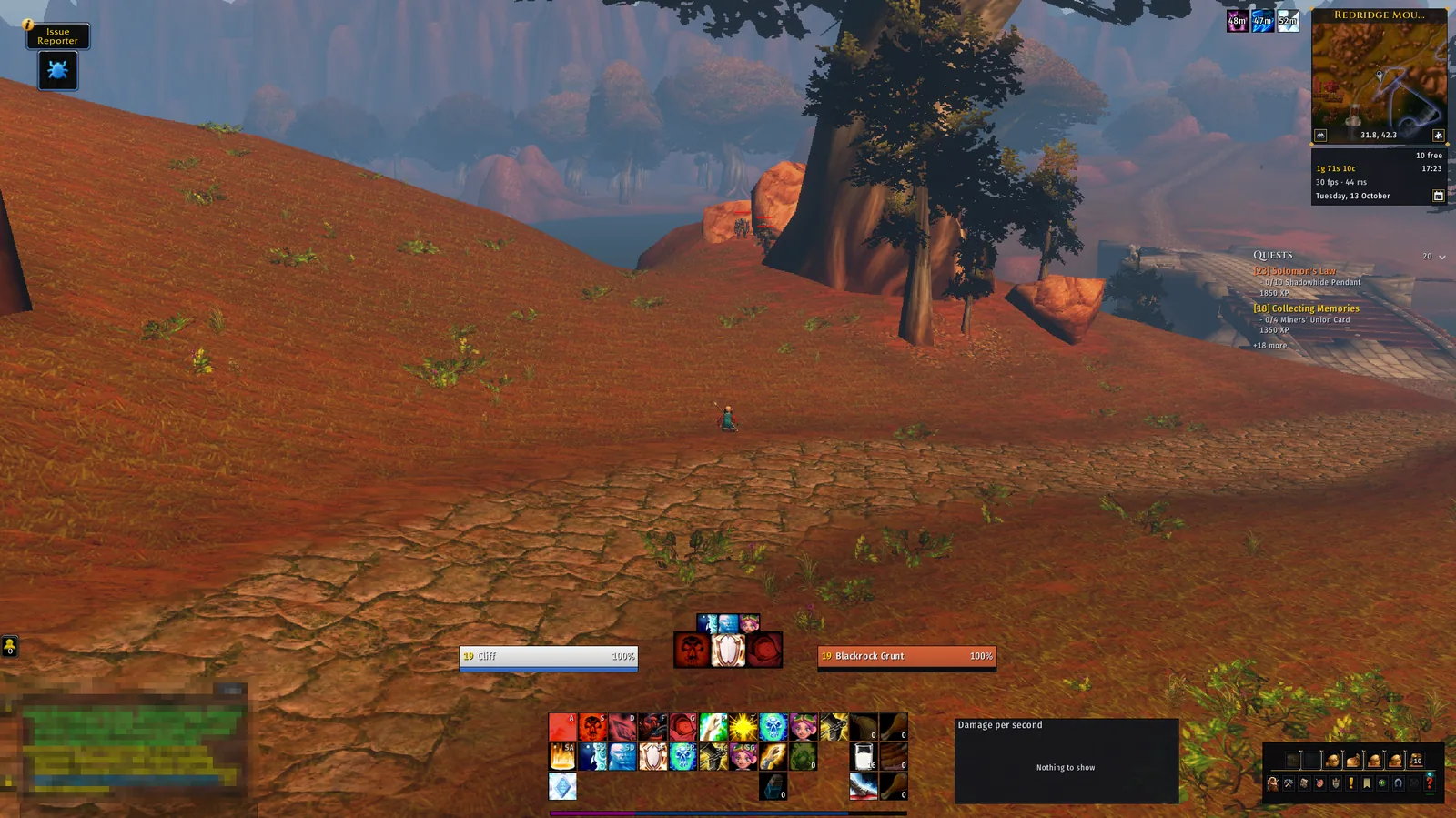
The default layout
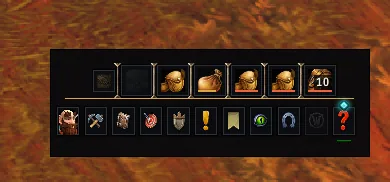
The default layout: your frames either side of your character, the action bars, the quest tracker and the info strip under the minimap, and the bag and menu bar in the corner.
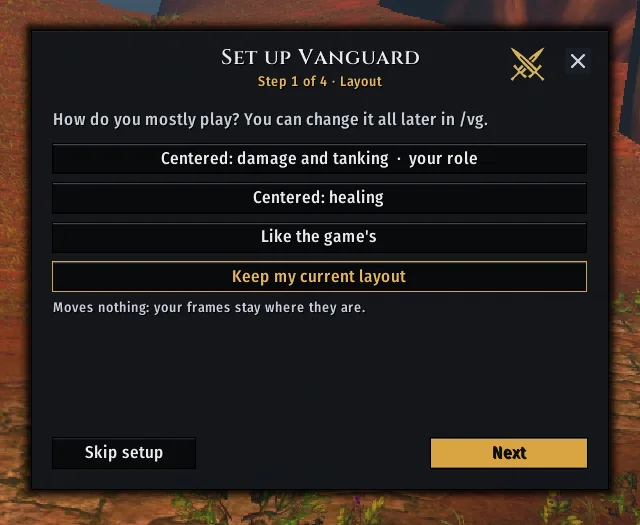
The first-run setup wizard, step 1
The first-run setup wizard, step 1: pick a layout, or keep the one you have.
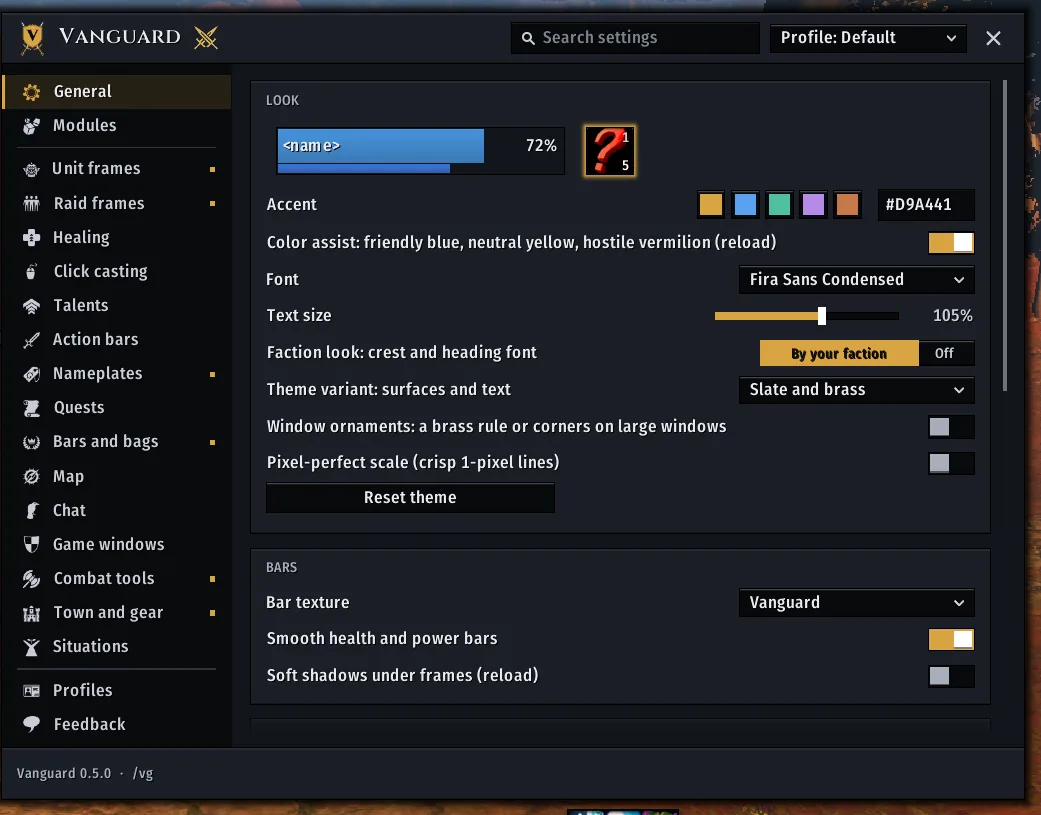
The options window
The options window (/vg): General, with a live preview at the top and the page list on the left.
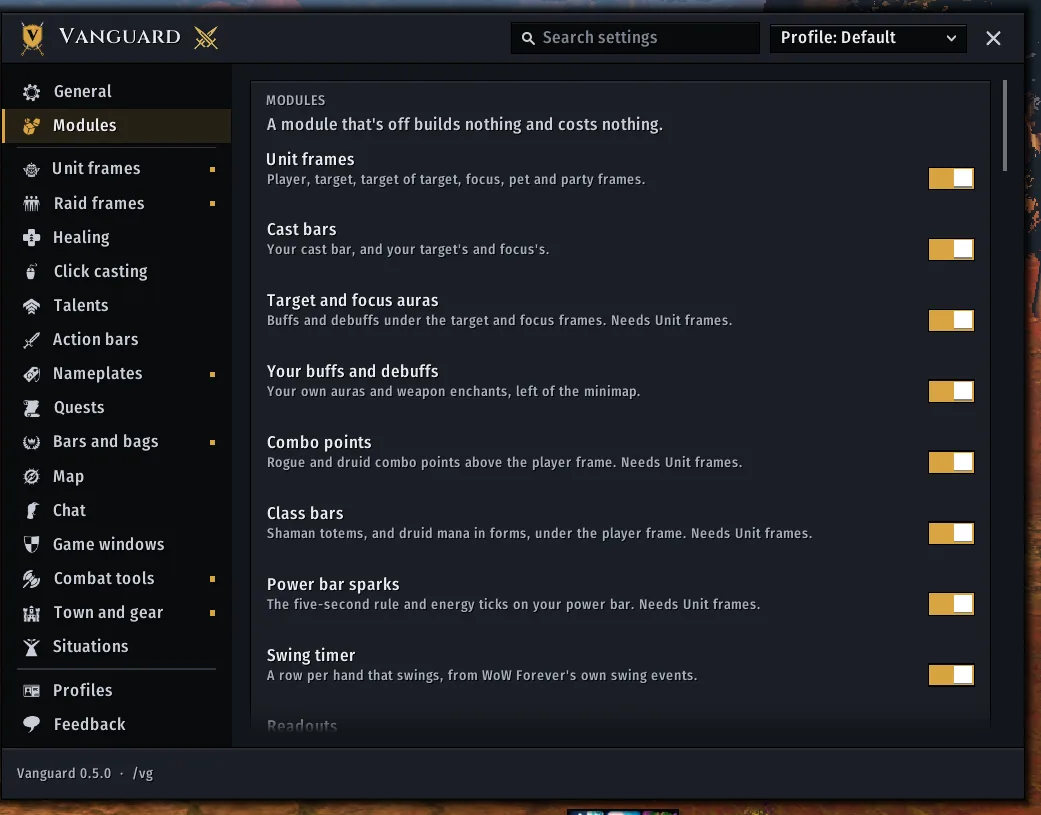
The Modules page
The Modules page: every part is a module you can switch off, and an off module costs nothing.

Moving frames and profiles

3 shots

Everything can be moved, and settings belong to profiles.
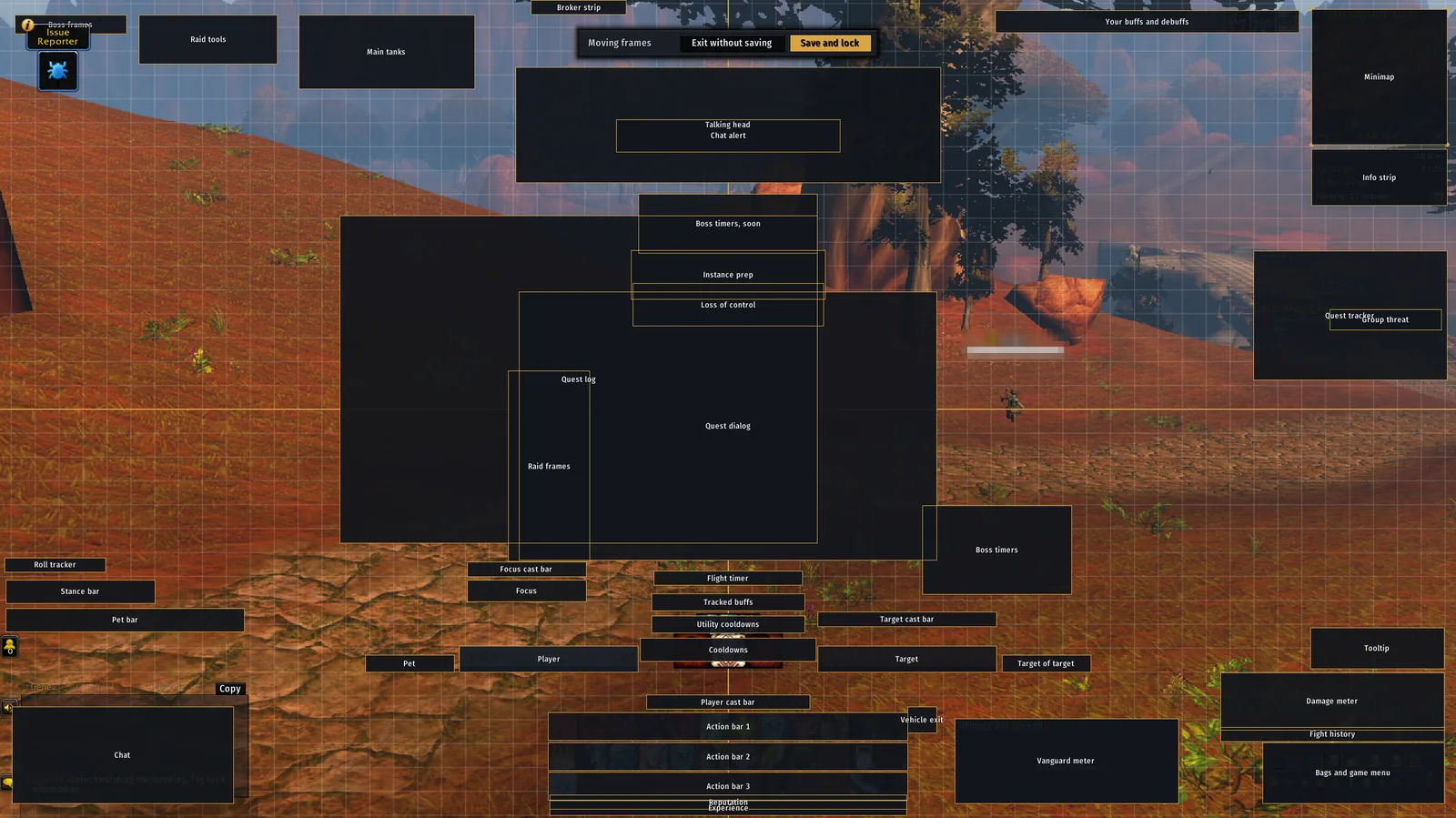
Unlock mode
Unlock mode (/vg unlock): a handle on every frame, a grid, and Exit without saving or Save and lock at the top.
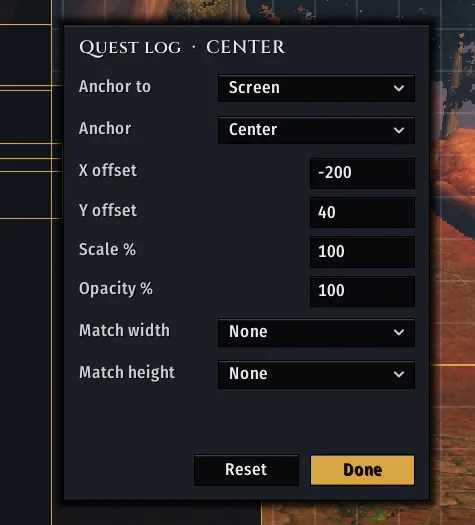
Right-click a handle for its anchor, offsets, scale, opacity and whether it matches another frame's width or height
Right-click a handle for its anchor, offsets, scale, opacity and whether it matches another frame's width or height.
The profile picker in the options header, with the backups Vanguard keeps beside each profile
The profile picker in the options header, with the backups Vanguard keeps beside each profile.

Looks

8 shots

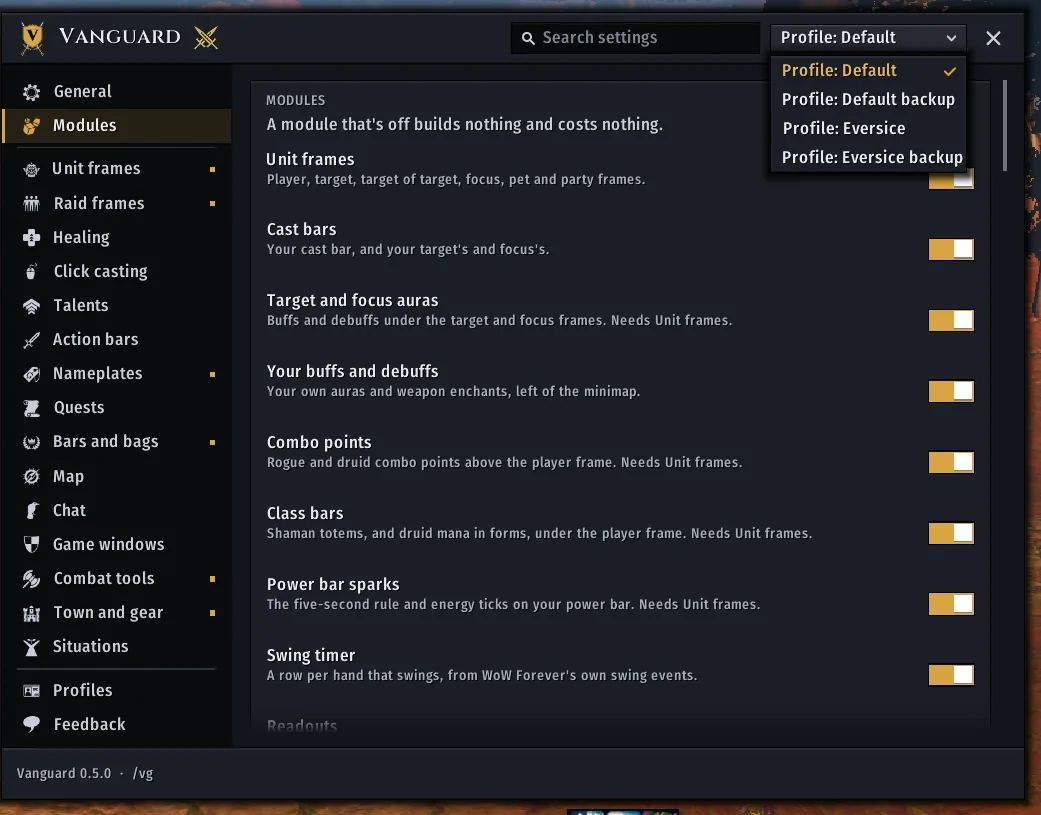
Slate and brass is the default; each look changes surfaces and text, not your layout.
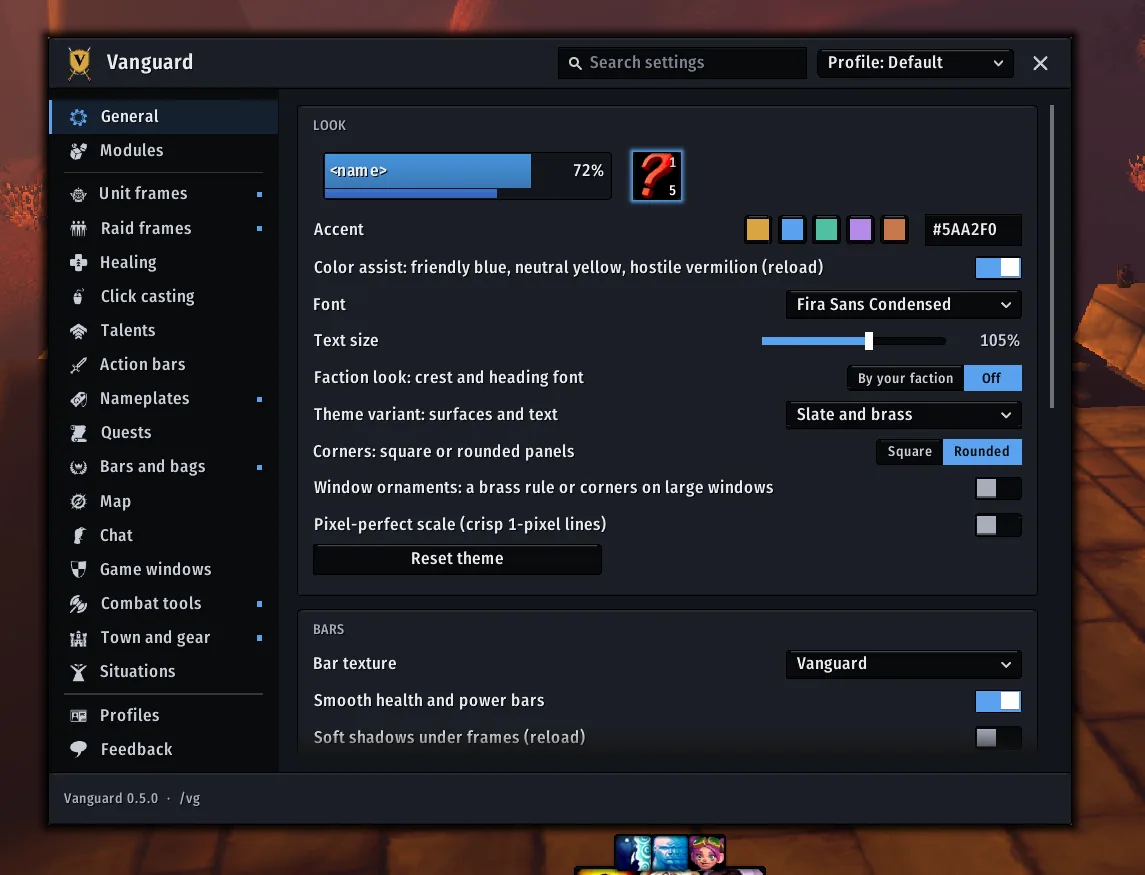
Slate and brass, the default
Slate and brass, the default.
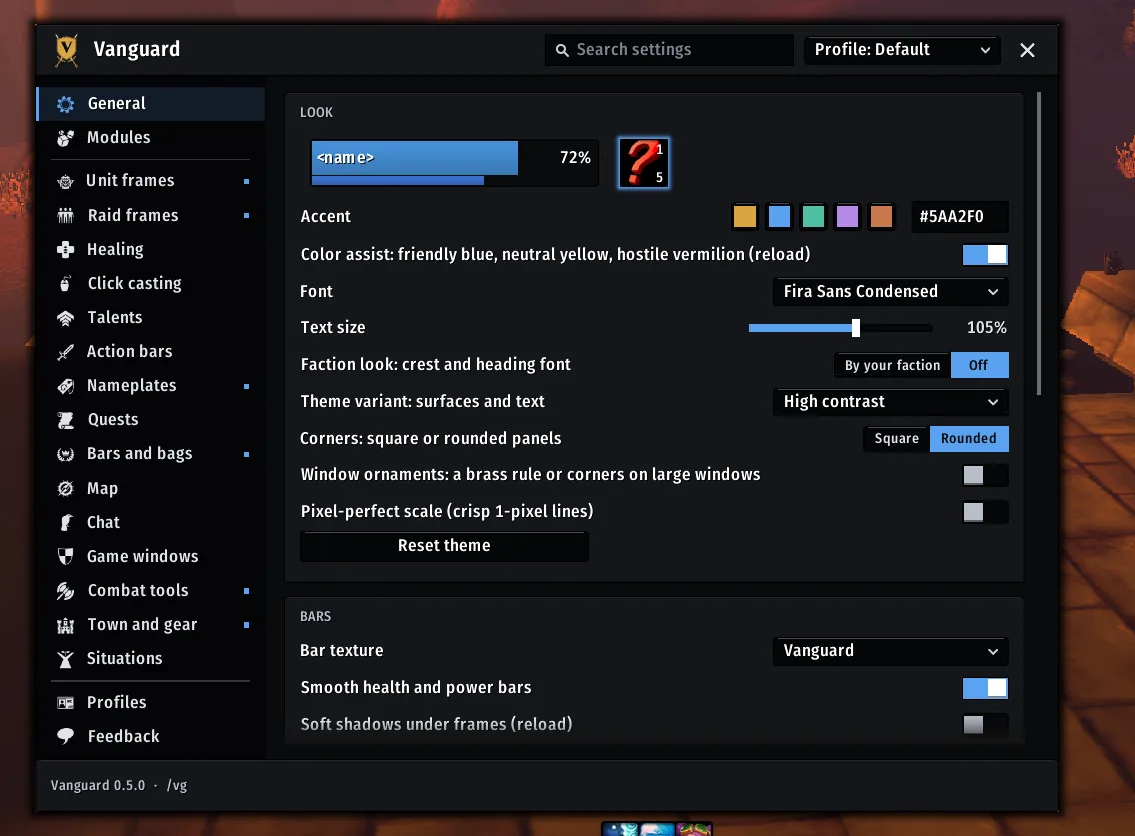
High contrast
High contrast: opaque panels and white text.
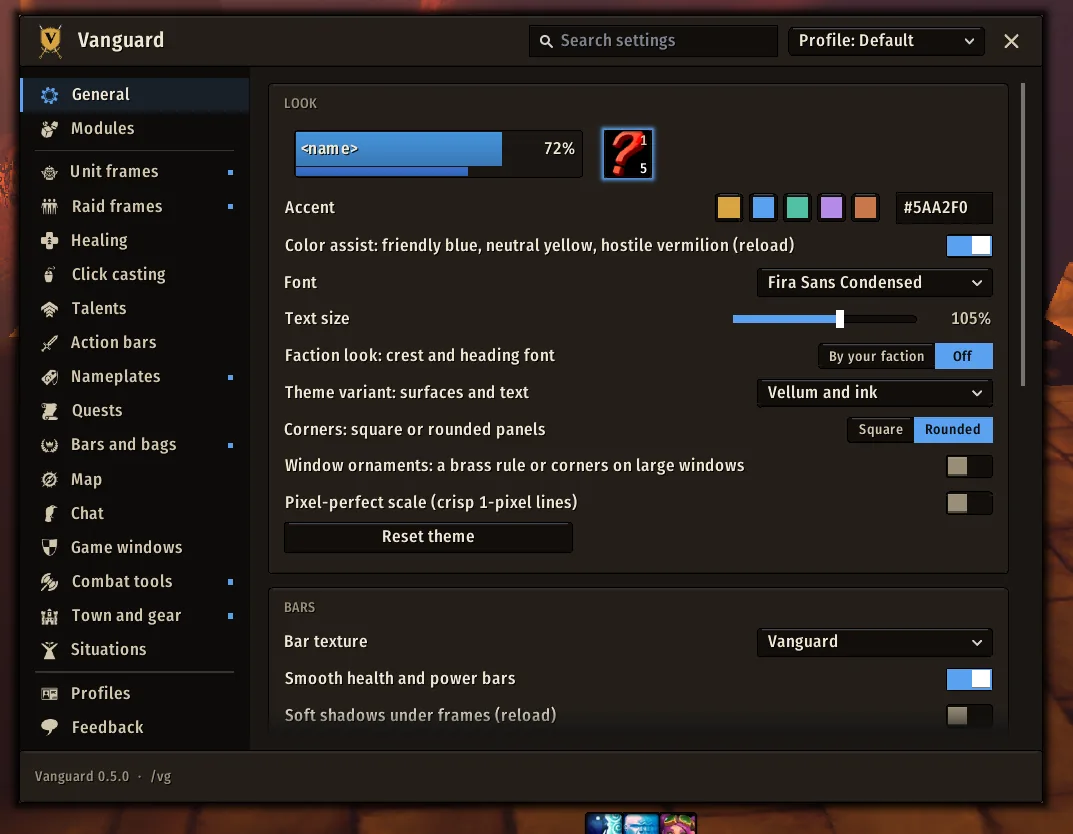
Vellum and ink
Vellum and ink: a warm dark with cream text.
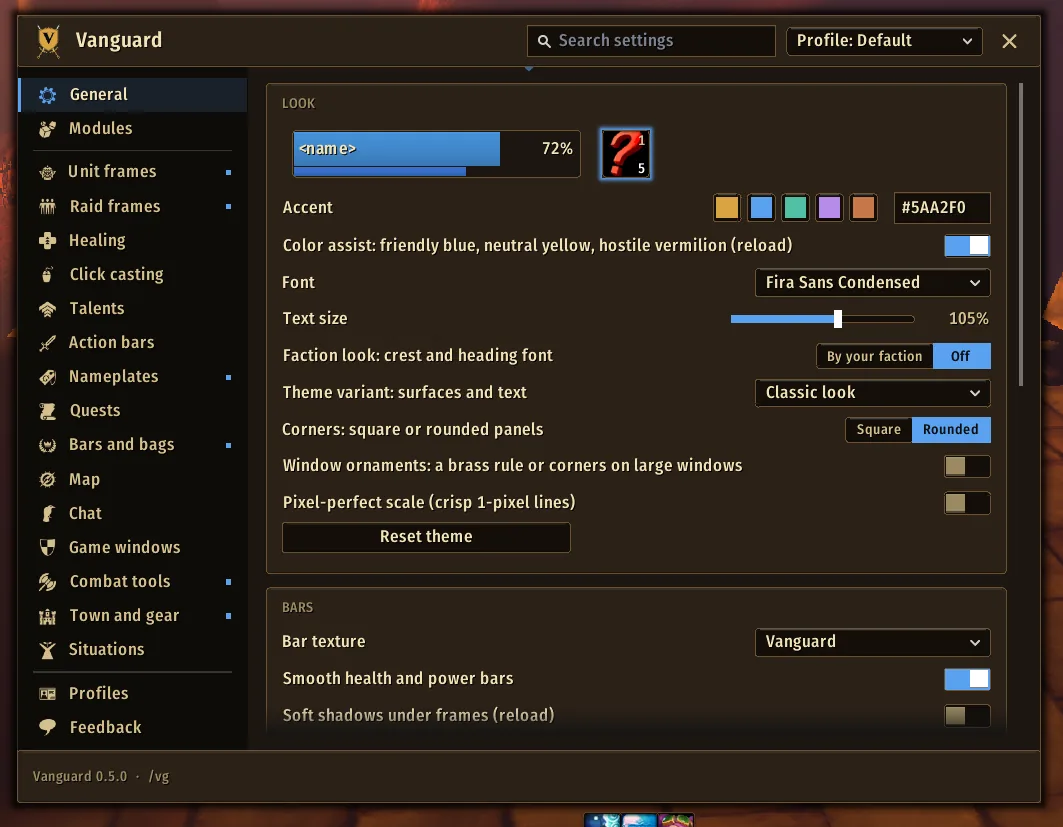
Classic look
Classic look: dark leather and bronze.
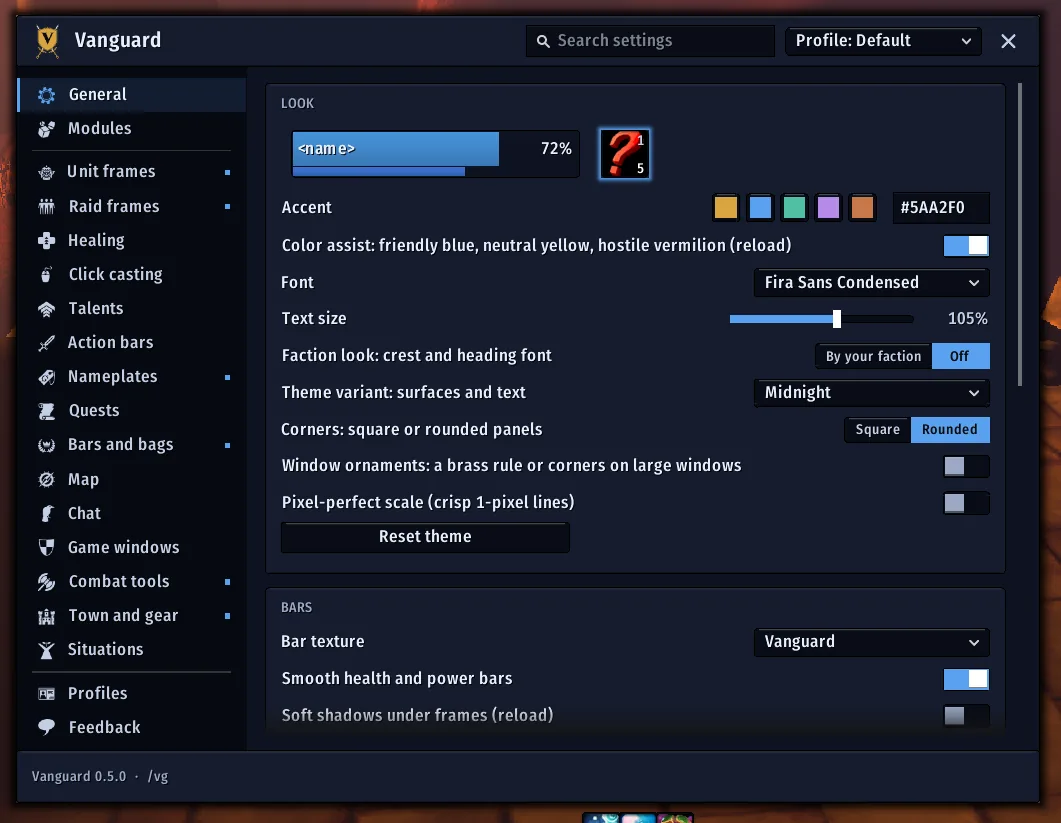
Midnight
Midnight.
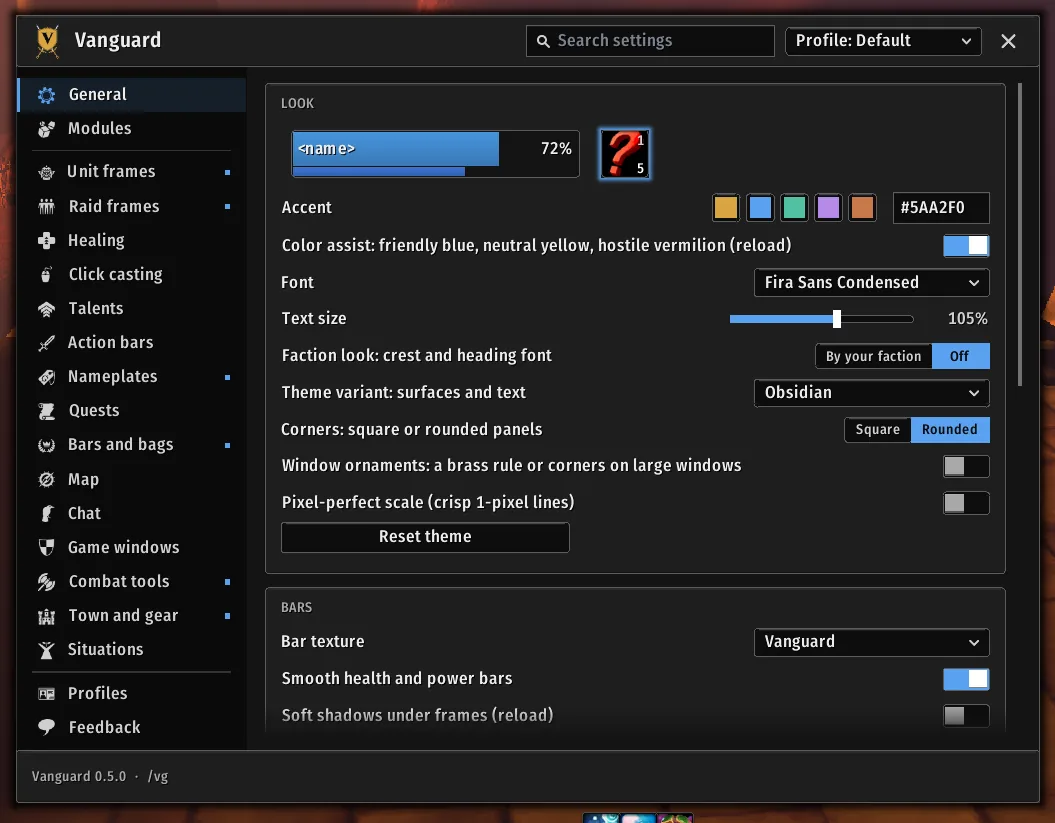
Obsidian
Obsidian.
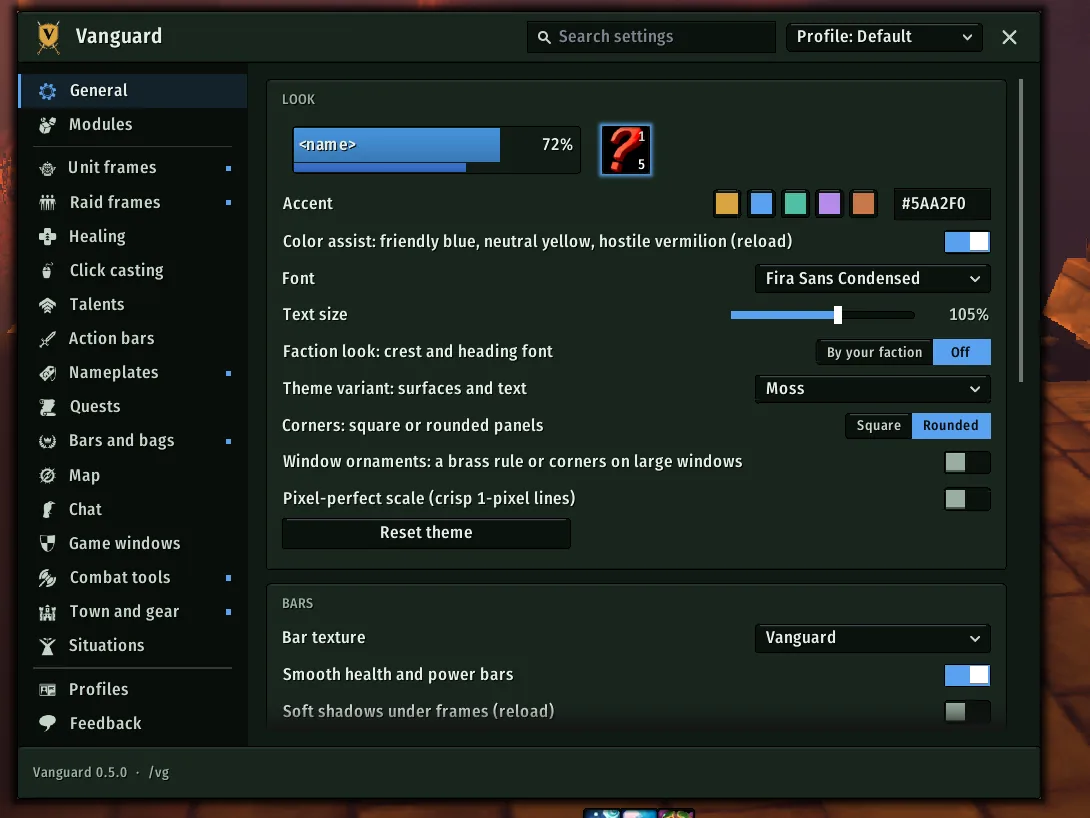
Moss
Moss.
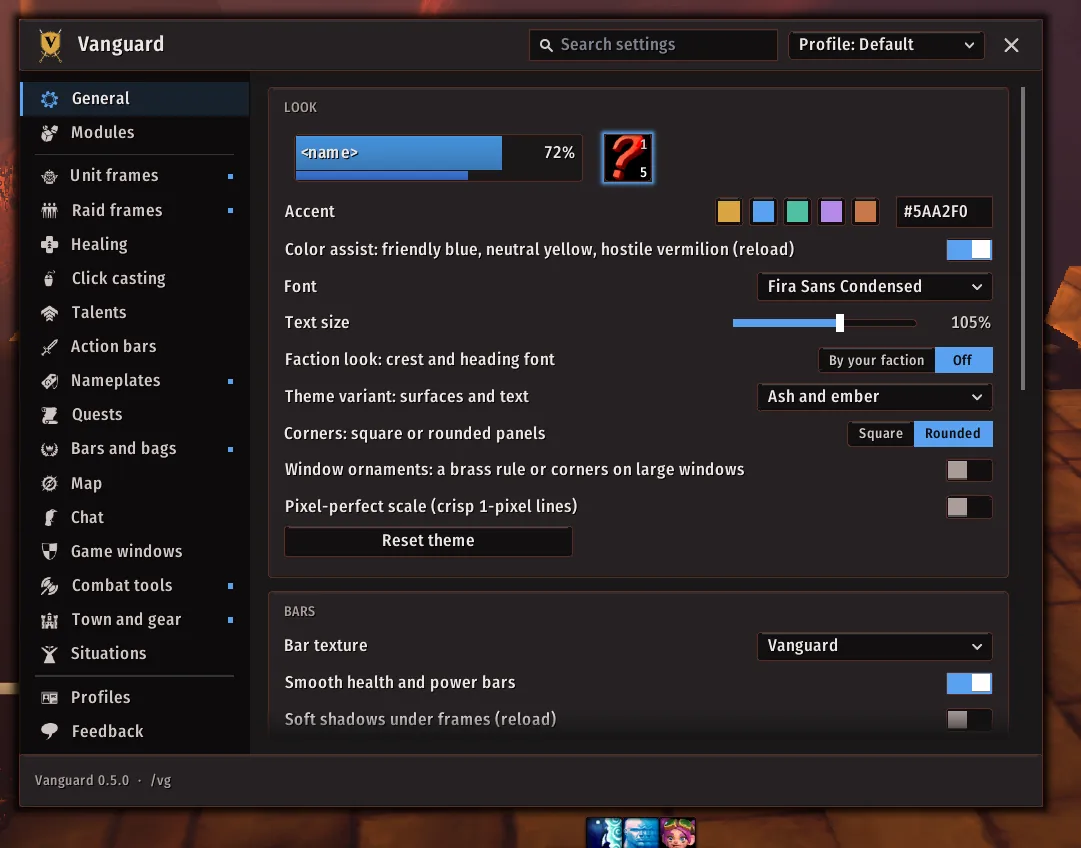
Ash and ember
Ash and ember.

Bags and windows

3 shots

The game's own windows in Vanguard's flat panels.
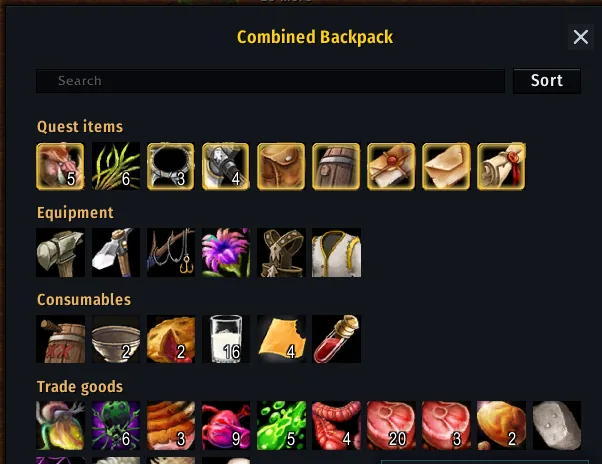
The combined backpack, in sections with a Sort button and a search box
The combined backpack, in sections with a Sort button and a search box.
The bag and menu bar in the corner
The bag and menu bar in the corner: a bar on each bag slot shows how full it is.
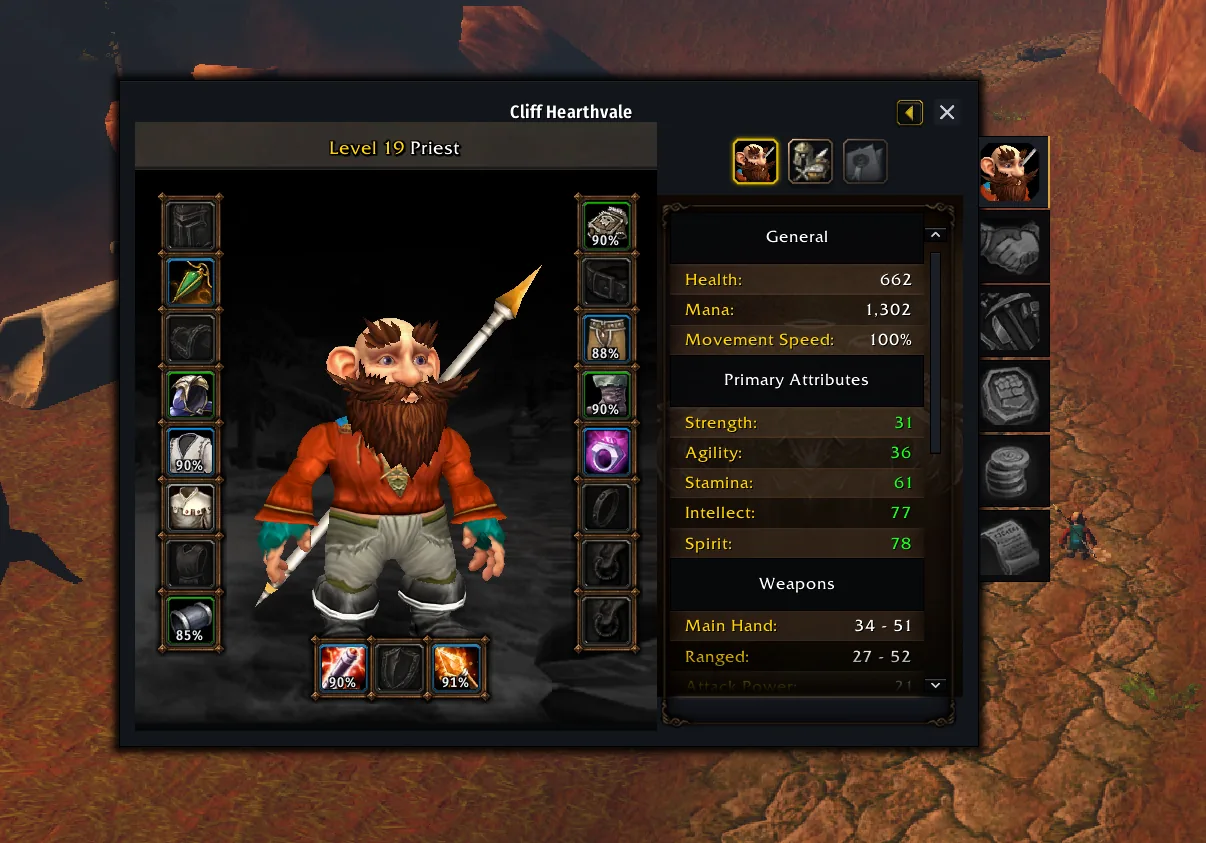
The character pane in Vanguard's look, with durability on each slot
The character pane in Vanguard's look, with durability on each slot.

Quests and town

6 shots

Vendors, quests, trainers and flights.
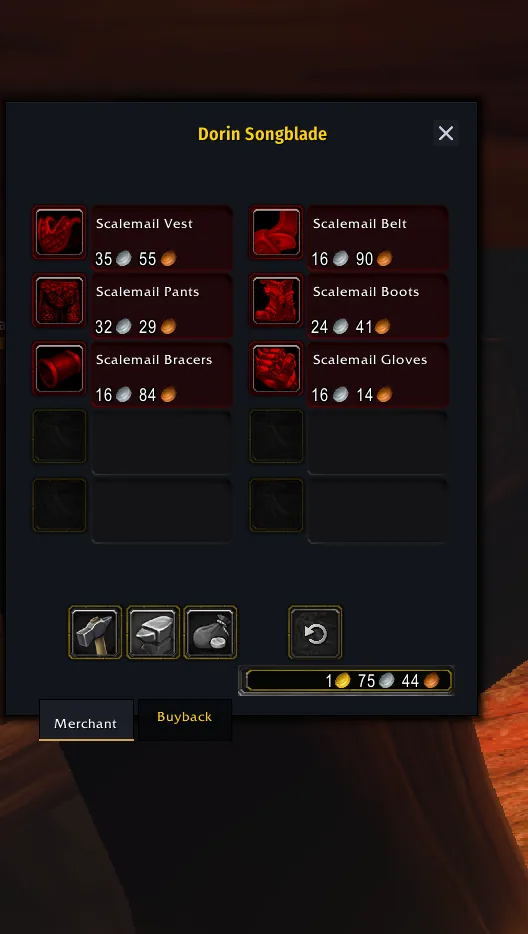
A merchant's window
A merchant's window.
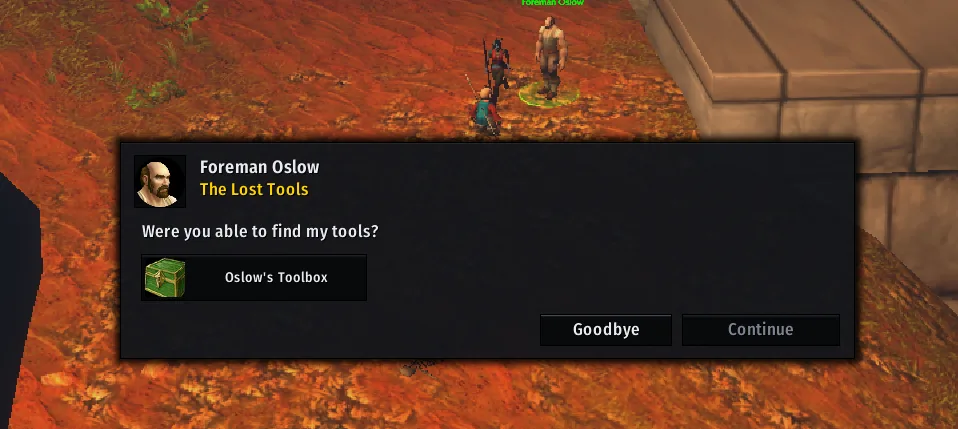
The quest dialog, above your frames
The quest dialog, above your frames.
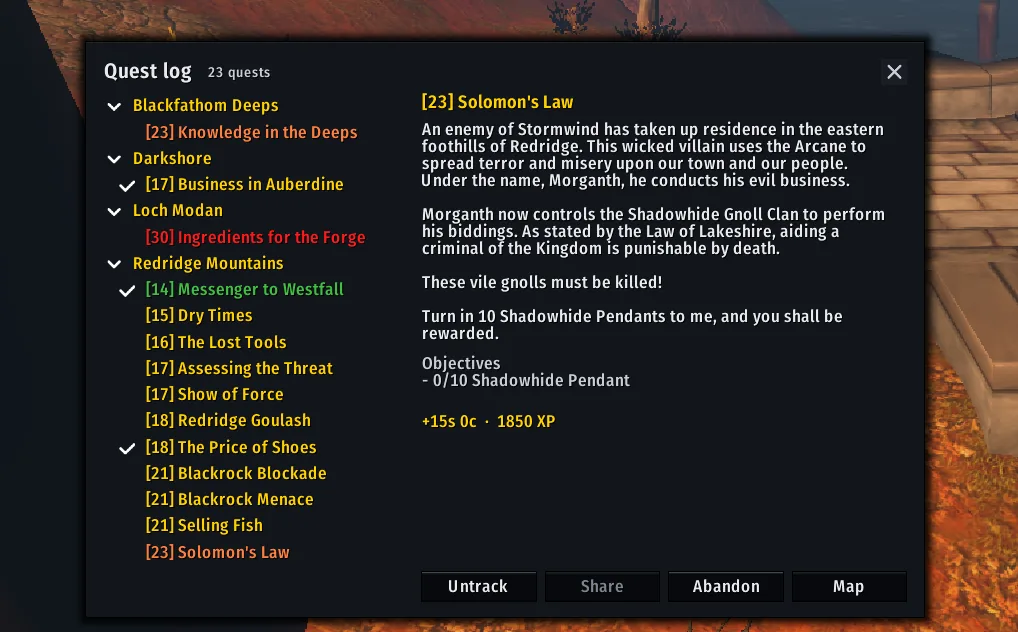
The quest log, with zones folded and the chosen quest's text and buttons
The quest log, with zones folded and the chosen quest's text and buttons.
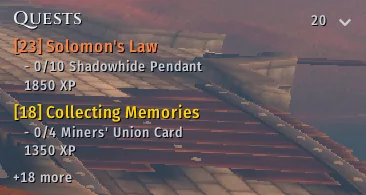
The quest tracker
The quest tracker under the info strip, with its objectives and a quest item button.
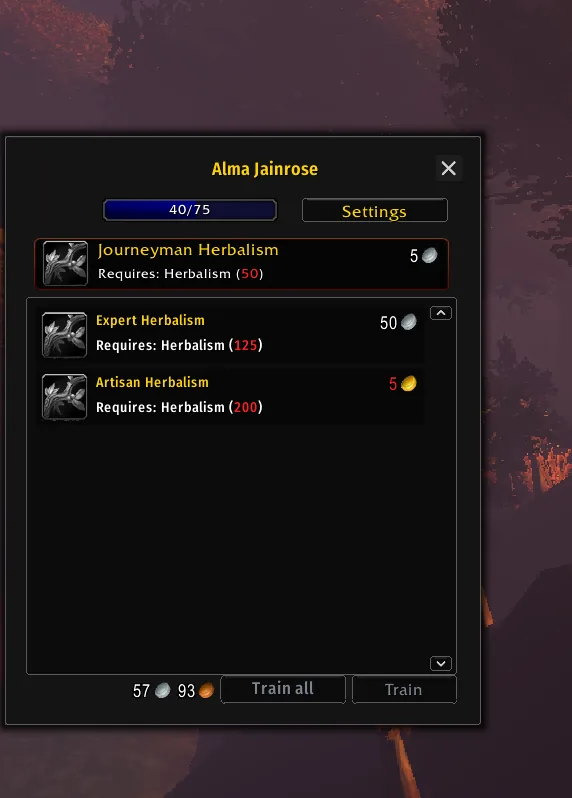
A class trainer, with Train all beside Train
A class trainer, with Train all beside Train.
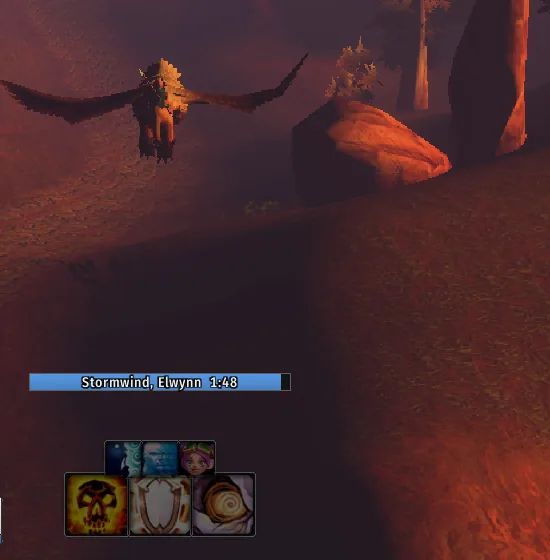
The flight timer counting down to landing, above your action bars
The flight timer counting down to landing, above your action bars.

Groups and raids

5 shots

Party and raid frames, click casting and rolls.
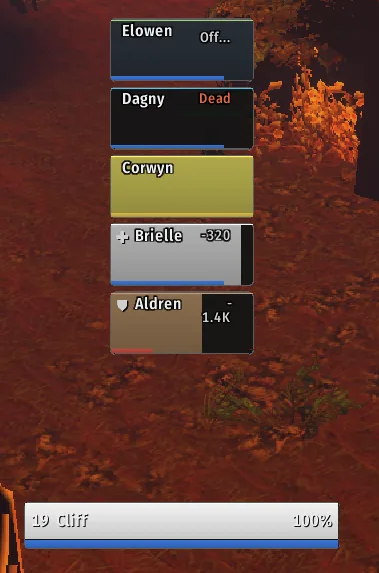
Party frames growing up from just above your player frame
Party frames growing up from just above your player frame (shown with /vg preview).
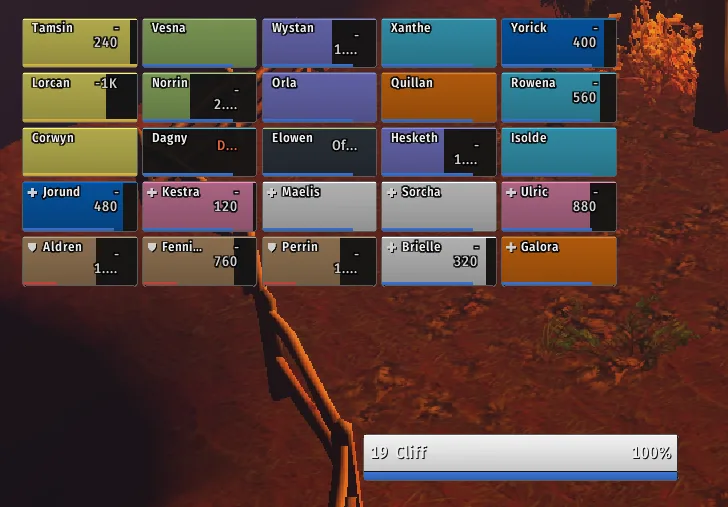
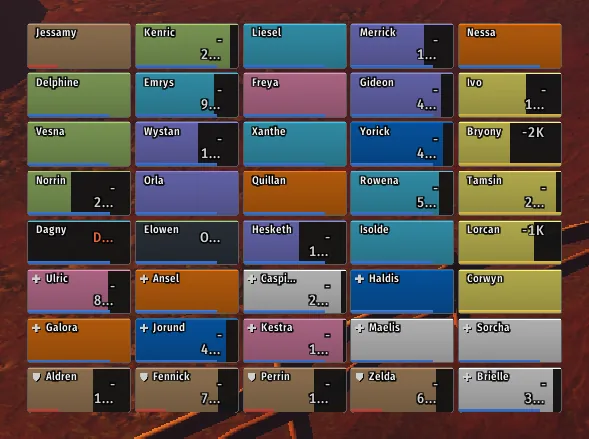
A raid of 25, with roles, a dead and an offline tile
A raid of 25, with roles, a dead and an offline tile (/vg preview 25).
A raid of 40 drawn smaller so it fits
A raid of 40 drawn smaller so it fits (/vg preview 40).
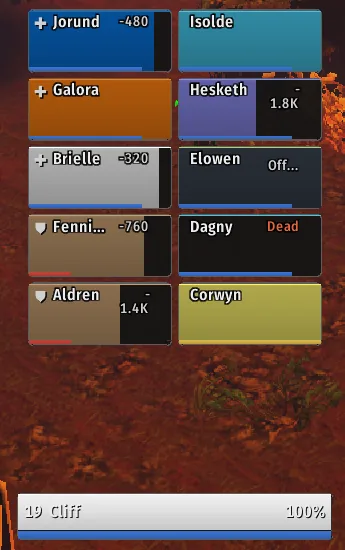
A raid of 10
A raid of 10 (/vg preview 10).
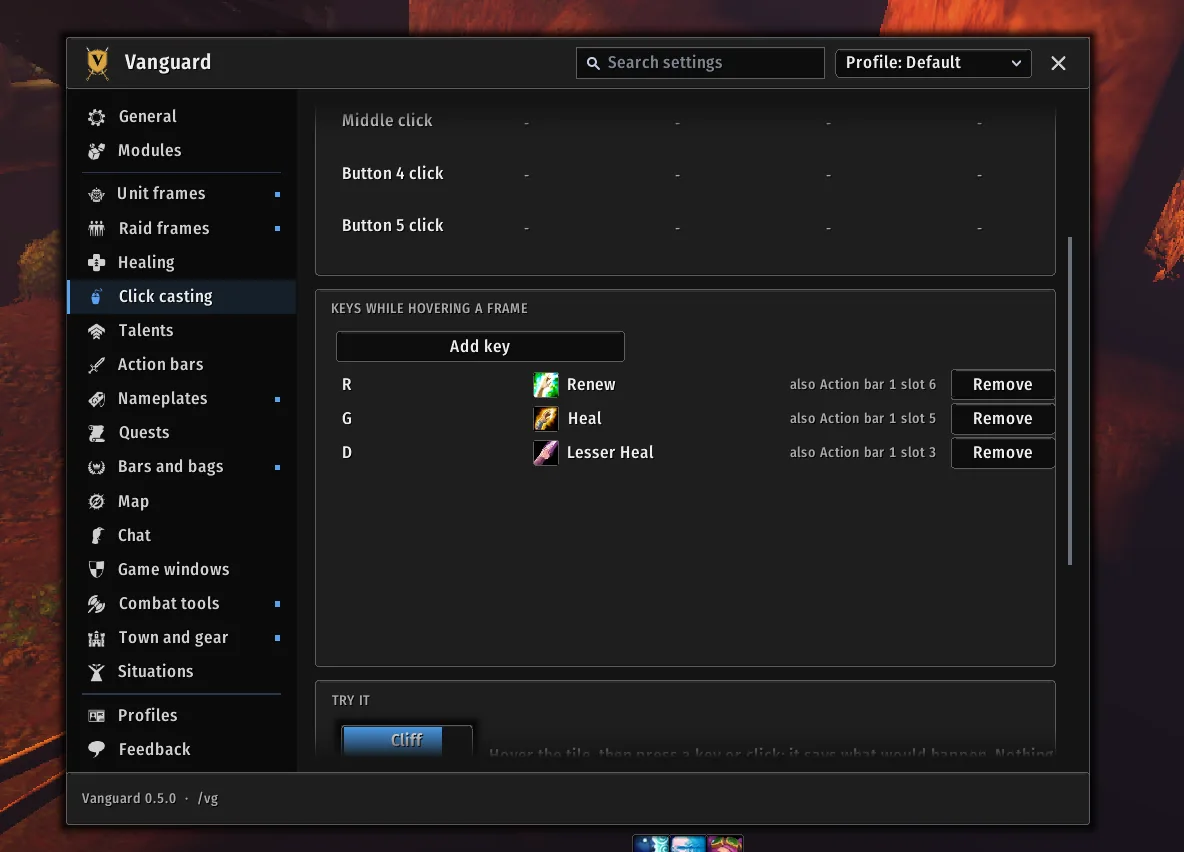
Click casting
Click casting: keys while hovering a frame, and a Try it tile.

In the field

4 shots

Nameplates, minimap, map and combat tools.
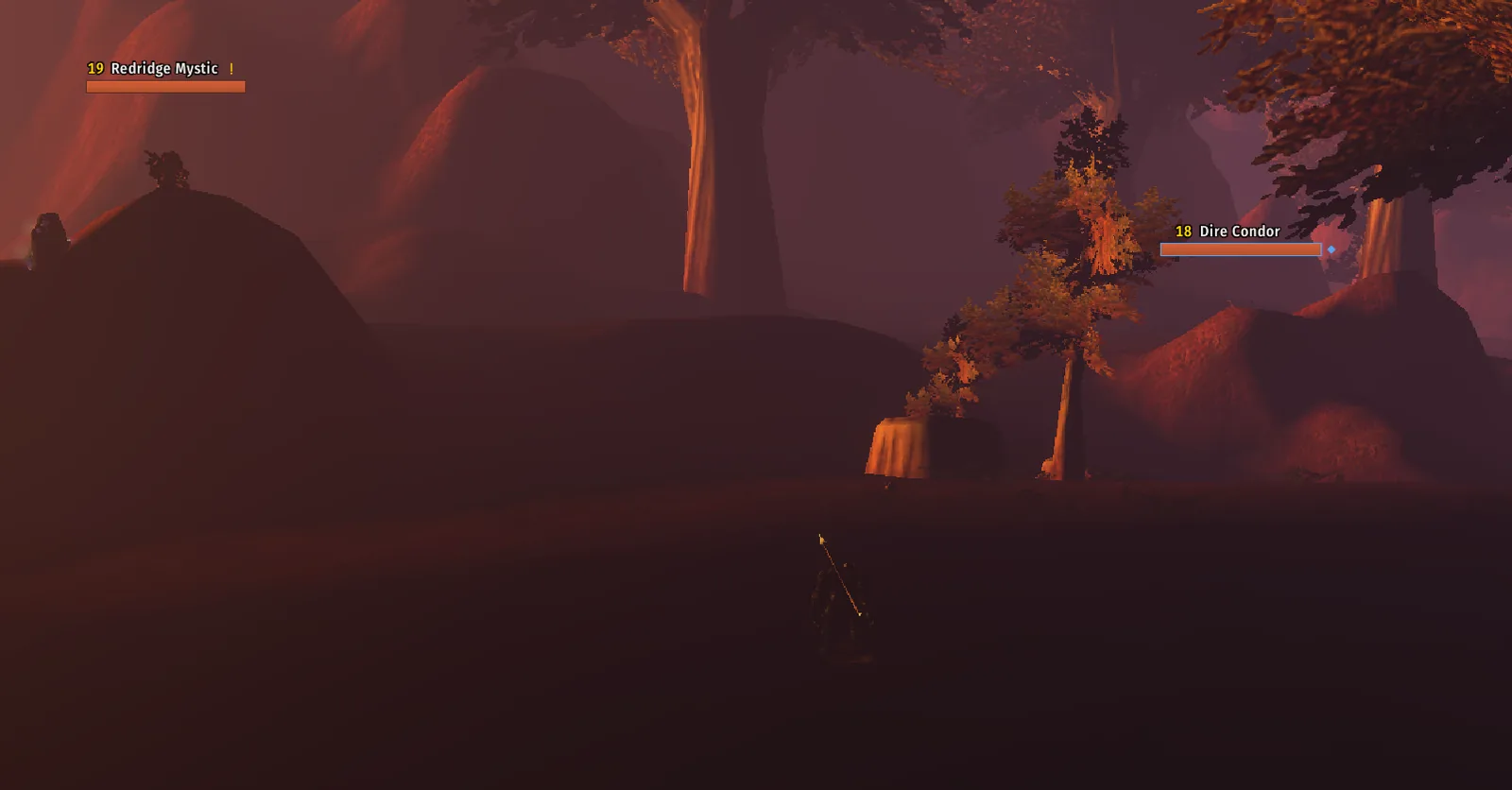
Nameplates on enemies
Nameplates on enemies: level, a quest mark and your target's marker.
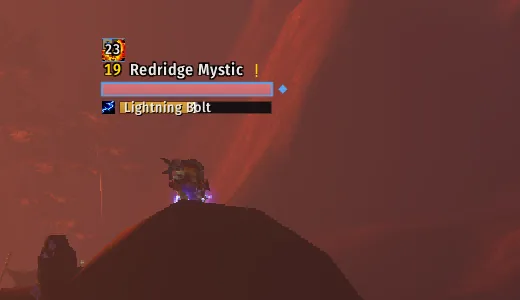
A nameplate with a cast bar
A nameplate with a cast bar under it.
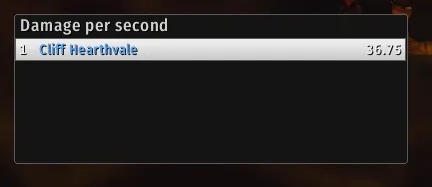
The Vanguard meter showing damage per second
The Vanguard meter showing damage per second.
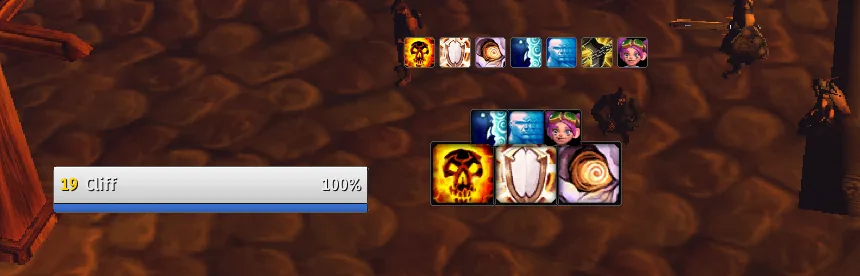
The cooldown gaps row
The cooldown gaps row: icons for what the game's Cooldown Manager misses.

Taken in WoW Forever with the default Slate and brass look. Names of other players are blurred or cropped out.